
Keep client knowledge out of private AI histories.
For agencies and consultancies with several client codebases: give each repository its own memory, Skills and hooks, and hand them over with the code.
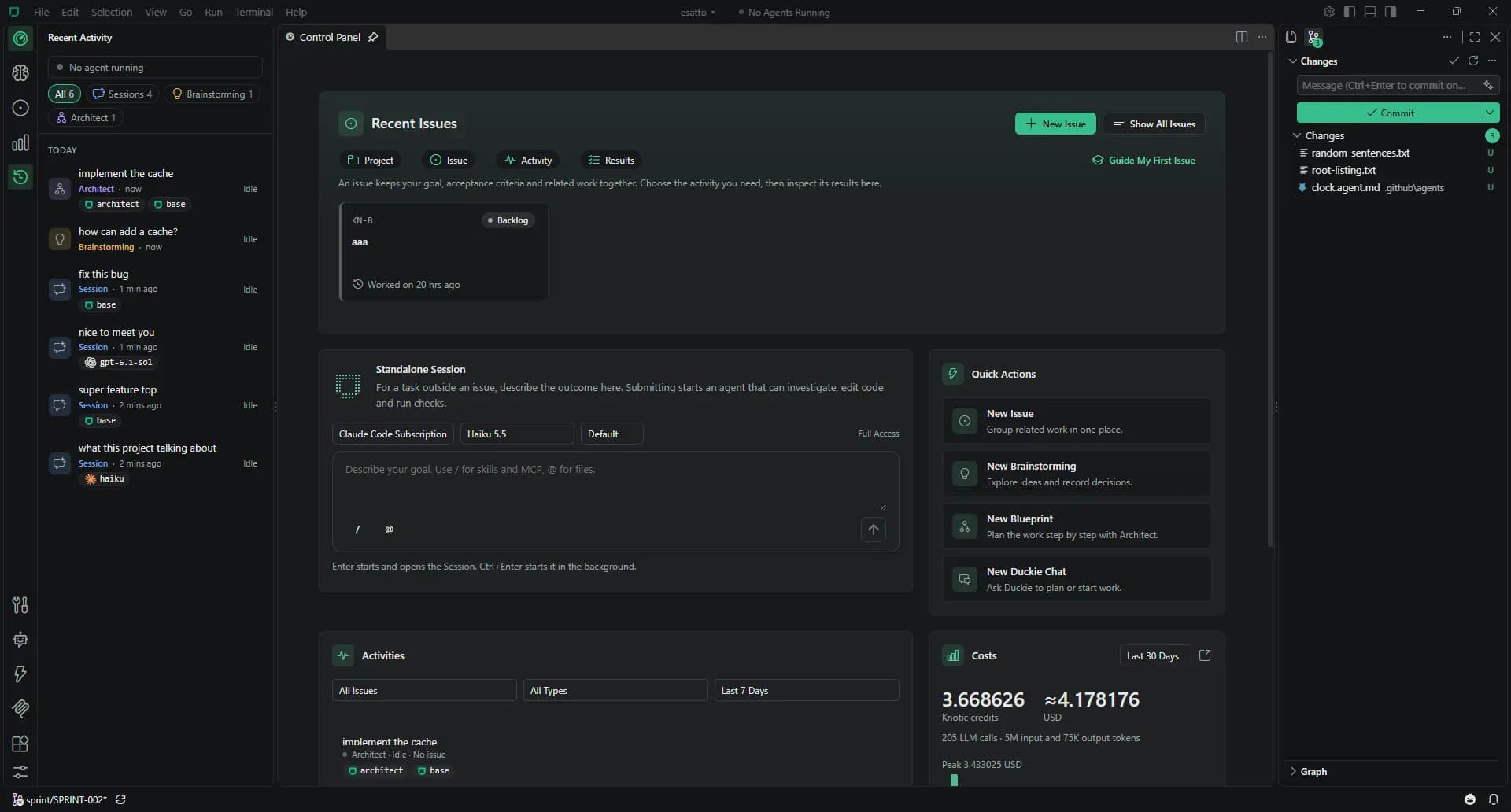
The problems your team recognises
- Every new project rebuilds the same context.
- Client constraints are buried in someone’s prompt history.
- Output depends on who is on the project this month.
- Handover relies on a call and an outdated wiki page.
- AI work on a client repository is hard to account for.
A client project with Knotic
Kick-off · Explore the brief
Use Brainstorming to clarify constraints. Generate a specification with numbered requirements, then create a Blueprint.
Setup · Record client conventions
Initialize Context Lens. Add client conventions to the wiki and reusable instructions to Skills. Review and commit the files.
Delivery · Work from Issues
Create an Issue for each feature with acceptance criteria. Run Sessions with project memory and configure hooks for the client’s test commands.
Review · Inspect the result
Use Inspector when an answer looks wrong. Review local Monitoring and costs per Issue, keeping estimates labelled in any report.
Handover · Deliver the knowledge
Include .knotic/ in the repository. The next developer can read the memory, wiki, Skills and hooks alongside the code.
What you commit
Knowledge travels with the repository. Conversations, run history and credentials stay on the machine.
Review .knotic/brain.loom and wiki changes in pull requests. Keep Skills and hooks specific to the project. Add project MCP servers in .knotic/mcp.json.
Custom agents live in .github/agents/*.agent.md, alongside your team’s other repository conventions.
Read the Git sharing guidebrain.loom
wiki/
client-conventions.md
data-retention.md
skills/
api-conventions/SKILL.md
hooks/
integration-tests.json
mcp.jsonSessions, accounting and credentials stay on the machine.
Set up Knotic for your team
Install on each machine
Download Knotic and open the repository. No Knotic server to operate.
Connect a provider
Each developer can create a free license key, configure an API or local endpoint, or connect Claude Code or Codex.
Open the first Issue
Pull the project memory, add acceptance criteria and choose an activity. For client work, select the provider per Session or plan.
Team questions
Does project knowledge stay in Git?
Memory and the wiki are plain files in .knotic/. You decide which changes to commit and share.
Can Skills differ by client?
Yes. Store project Skills in each client repository. Knotic also supports global Skills on your machine.
Can developers choose models?
Yes. Choose the provider per Session or plan. Provider configuration is per user; it is not a per-project provider policy.
What does the client receive?
The repository and the memory, wiki, Skills and hooks you commit. Reading those files does not require a Knotic account. Local Sessions and accounting are separate.
Is there a team plan?
Published plans are per person. For a larger rollout or invoicing, contact the team. No team seat price is published.