
Review each change against the original request
An Issue keeps a feature request, its acceptance criteria and the AI work together. Review what changed and what it cost before deciding whether the work is done.
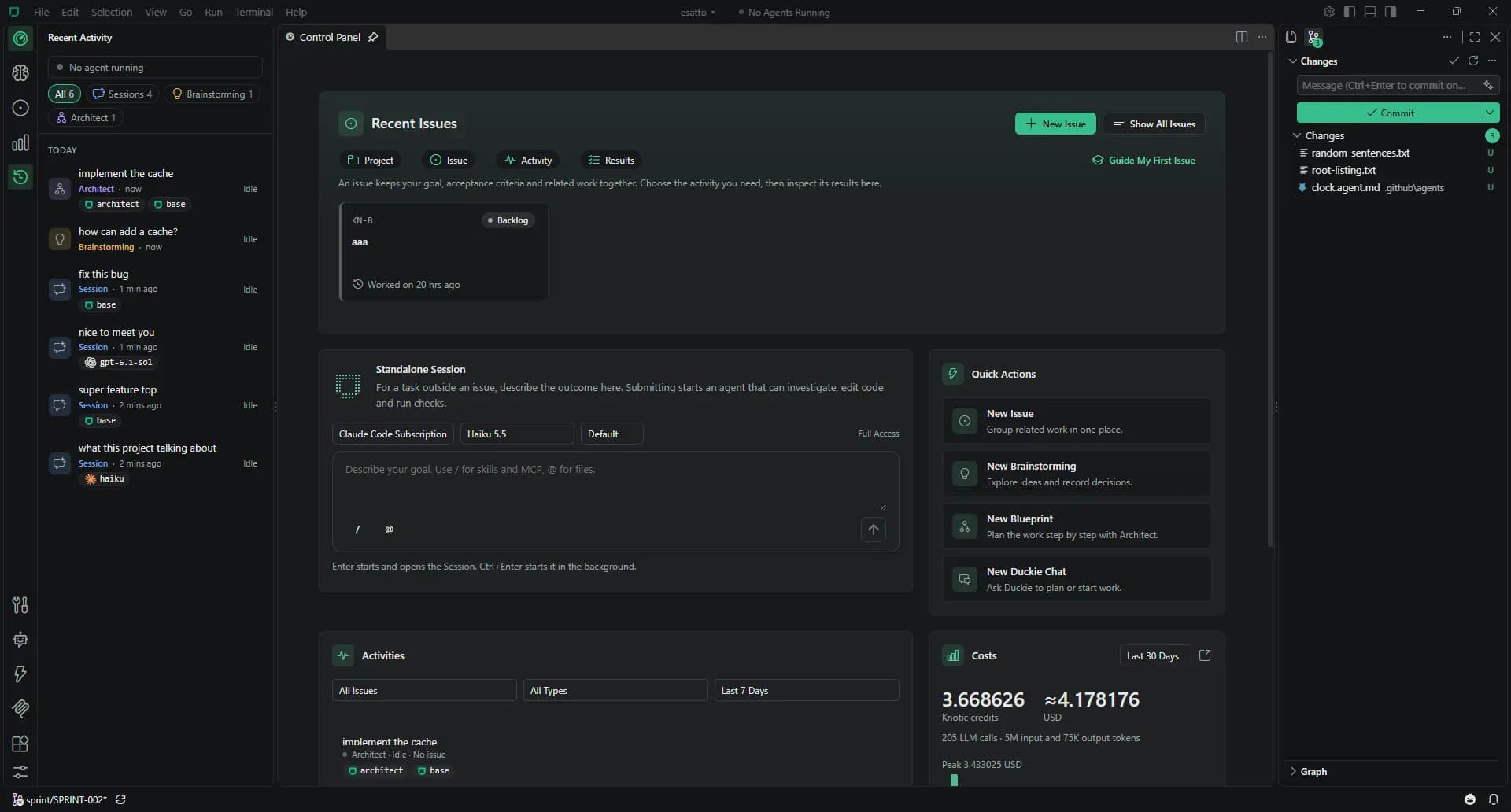
Working with Issues
Step 1 of 3
Define the change
Open an Issue in the Control Panel. Describe the result you want and how a reviewer can test it.
Step 2 of 3
Choose the activity
Start a coding Session for a clear task. Use Brainstorming to explore an open question or Architect to plan a larger change.
Step 3 of 3
Review the result
Return to the Issue to check the linked work against the criteria. Mark it done when the change meets them.
Issues in detail
Priority and budget
Add a priority, labels and an optional credit budget when you define the work.
Issue history
See which activities belong to the Issue and how its status changed from request to review.
Limits to consider
- Issues and their costs stay in the project on the developer’s machine.
- Developers decide when to close an Issue. Finishing an AI activity leaves that decision to the reviewer.